Best Scientific Calculators for Students & Professionals in 2026
Our 2026 buyer's guide to the best scientific calculators for students, engineers and professionals, plus the best free online options.
Why a scientific calculator still matters in 2026
In an era of AI assistants and phone apps, you might wonder whether a dedicated scientific calculator is still necessary. For millions of students, engineers and scientists, the answer is still yes. Exam boards for the SAT, ACT, GRE, MCAT and the professional engineering exams (FE, PE) all specify approved calculator models — in these high-stakes settings, a quality scientific calculator is mandatory.
A physical device also offers tactile reliability and consistent performance that a phone — with battery anxiety and notifications — simply cannot match. That said, free browser-based tools have genuinely shifted the landscape for non-exam work. For home study, remote collaboration and quick professional calculations, a well-built onlineScientificalc scientific calculator removes the need to dig through a bag for hardware. The best approach is usually to own both.
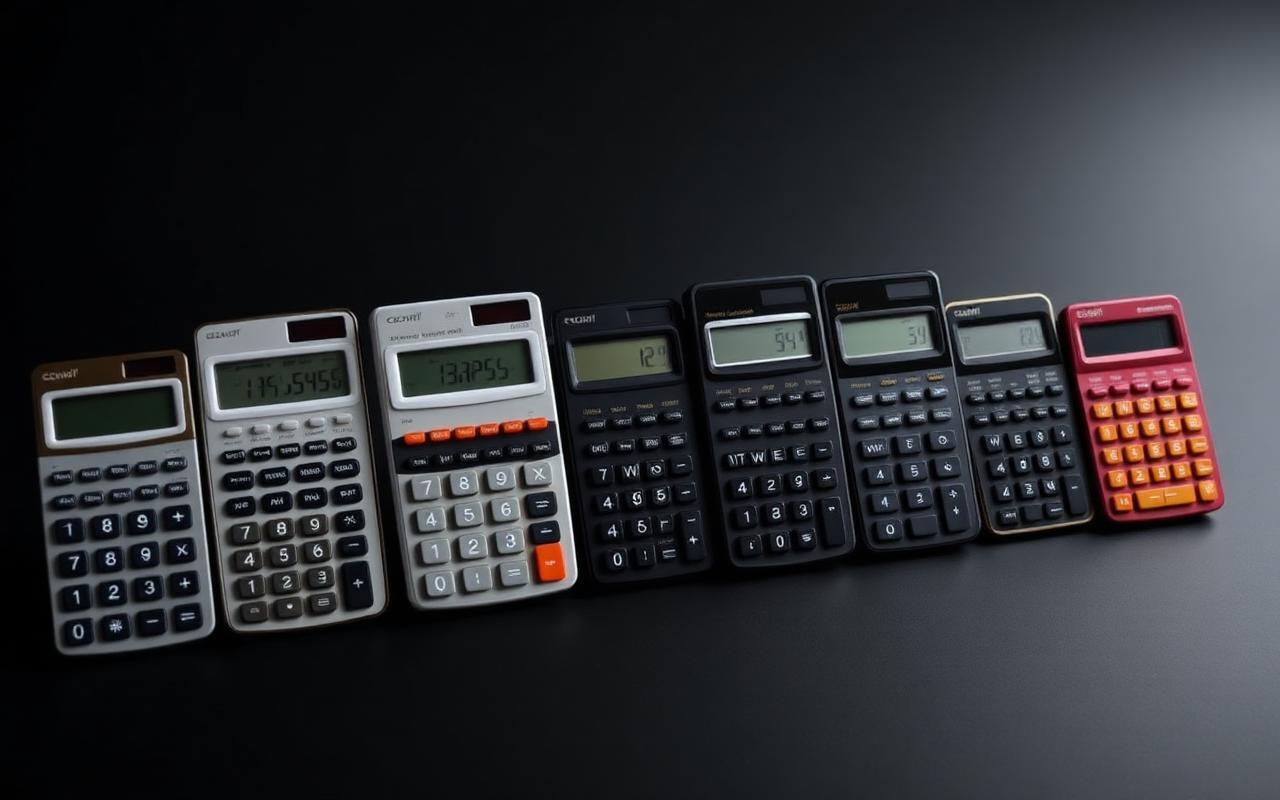
Our top picks at a glance
1. Casio fx-991EX ClassWiz — Best Overall (~$20). The gold standard for university students. 552 functions, high-resolution LCD and QR code result visualisation. Exam-approved on most boards and unbeaten on value.
2. Texas Instruments TI-36X Pro — Best for Engineering Exams (~$25).The FE and PE exam standard. MultiView display, vector and matrix operations and numerical calculus, fully NCEES-approved.
3. Casio fx-82ES PLUS 2nd Edition — Best for High School (~$12).The most widely used high-school calculator worldwide. Natural textbook display, 252 functions, solar-powered and SAT/ACT ready.
4. HP 35s — Best Professional (~$60). 800+ functions, RPN or algebraic entry, keystroke programmable. The choice of surveyors, engineers and scientists who want full control.

Best scientific calculators for students
For students, the selection criteria come down to exam eligibility, display quality, ease of use and price. At middle and high school (grades 7–12), the Casio fx-82ES PLUS 2nd Edition and the TI-30XS MultiView are the definitive choices — both SAT/ACT approved, solar-powered and durable enough to survive four years in a backpack.
For university STEM students, the Casio fx-991EX ClassWiz is the consensus best-value pick. It offers spreadsheet mode, equation systems solving, numerical integration and complex arithmetic in a compact body. Its QR code feature — scan a code, visualise graph output on your phone — is a genuine innovation. For GRE, MCAT or other standardised tests, always verify approved-list status before buying.
Casio fx-991EX strengths: 552 built-in functions, 192×63 display, spreadsheet and table mode, numerical integration and differentiation, QR code visualisation, under $20. Limitations: not permitted on some U.S. college exams, no graphing, a learning curve on advanced modes, battery only.
Best for engineers and professionals
Professional use brings different priorities: reliability, programmability and exam-board approval for licensing. As of 2026 the NCEES FE and PE examsmaintain a strict approved list — only the Casio fx-115 series, TI-30X and TI-36X series, and HP 33s/35s models are accepted. Buying an unlisted calculator, however capable, means you cannot use it on exam day.
For day-to-day professional work outside exams, the HP Prime G2offers the most powerful handheld computing environment — CAS, touchscreen colour display and a Python scripting environment. It is the choice of consultants and researchers who want their calculator to behave like a micro-computer.
Best free online scientific calculators
The best free online tools have reached parity with mid-range hardware on function coverage. Their advantages are accessibility (any browser, any device), always up-to-date, shareable results and zero cost. The free Scientificalc scientific calculator covers trigonometry (sin, cos, tan and inverses), logarithms, exponentials, square and cube roots, factorials, permutations, combinations and memory registers — all in a clean interface optimised for desktop and mobile.
When evaluating an online scientific calculator, look for: a natural expression display, full trig with DEG/RAD toggle, ln/log/arbitrary-base logarithms, M+/M−/MR/MC memory, keyboard input, responsive mobile design, calculation history and no sign-up, ads or paywalls.
Complete buying guide
Function count vs function quality. Marketing leads with raw counts — "500 functions!", "800 functions!" — but the meaningful metric is whichfunctions. 300 highly relevant beats 600 obscure ones for most users. Prioritise trigonometry, logarithms, statistics, equation solvers and complex numbers based on your actual curriculum.
Display technology. Look for Natural Textbook Display (Casio) or MathPrint (TI). Both render expressions visually as they appear in a textbook, cutting input errors during time-pressured exams.
Power source. Solar-plus-battery is the most practical choice for students — they never die mid-exam. Battery-only is fine for professional use where you control your environment. Online calculators require device power, so factor that into exam-adjacent usage.
Frequently asked questions
What is the difference between a scientific and a graphing calculator?A scientific calculator performs numerical computation across hundreds of functions but does not plot graphs. A graphing calculator adds visualisation of functions, inequalities and statistical data — at a higher price.
Is the Casio fx-991EX allowed on the SAT? Yes — it appears on the College Board's approved list and is permitted on calculator sections. Always verify current status at collegeboard.org before your test date.
Can an online scientific calculator replace a physical one? For home study, remote work and non-exam calculations, yes. For standardised exams and classroom testing, a physical exam-approved device is required. Many users keep both — hardware for exams, the Scientificalc scientific calculator for daily work.
What is the best scientific calculator under $20? The Casio fx-991EX ClassWiz at roughly $20 is the definitive best value — 552 functions, exam-approved, high-resolution display. For under $15, the fx-82ES PLUS 2nd Edition is the best budget choice for high school.
Try our free scientific calculator now
No download. No sign-up. Full functionality across all devices — from trigonometry to statistical analysis, instantly in your browser. Launch the Scientificalc scientific calculator and put any of the models above to the test against a free online alternative before you spend a cent on hardware.
Try it yourself
Open the Scientificalc scientific calculator and work through the examples above — no install, no sign-up.