Trigonometry on a Scientific Calculator: Stop Losing Marks on Sin, Cos and Tan
A student-friendly trigonometry guide for scientific calculator users: angle modes, inverse functions, unit circle thinking and worked examples.
Trigonometry is one of those topics where the math itself is fine — it's the calculator that trips people up. A misread angle mode, a forgotten parenthesis, or the wrong inverse key can turn a perfectly reasoned answer into a red mark. This guide collects the habits we've seen actually work for students using the Scientificalc scientific calculator in their daily homework.
Angle mode is the silent killer
Before you touch a single sin, cos or tan key, look at the top of your calculator and confirm whether you're in DEG or RAD. Geometry, surveying and most physics-1 problems use degrees. Calculus, waves, and anything involving π is almost always radians. A good habit: write the angle unit at the top of your scratch paper and match the calculator to it before you start.
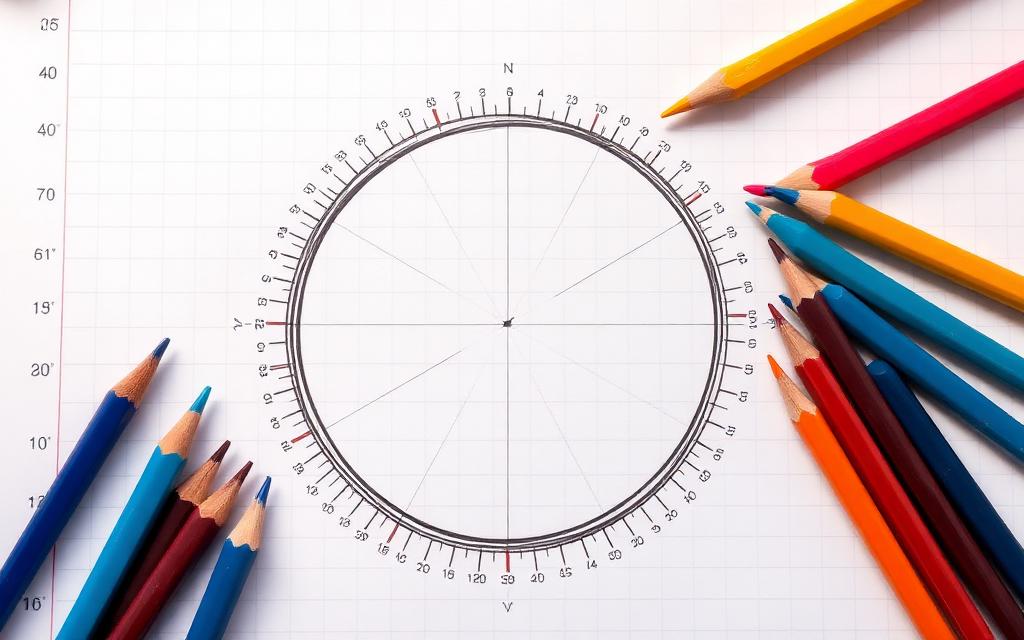
The unit circle in three keystrokes
To sanity-check angle mode, type sin(30) in DEG — you should see 0.5 exactly. Now switch to RAD and re-enter the same expression: you'll get roughly −0.988. Same keystrokes, completely different answer. Burn this test into your muscle memory so you'll spot a mode mistake within seconds of starting a problem.
Inverse functions: when to use sin⁻¹ vs 1/sin
The inverse trig keys (sin⁻¹, cos⁻¹, tan⁻¹) return an angle from a ratio. 1/sin(x) is the reciprocal — a totally different thing called the cosecant. If a problem says "find the angle whose sine is 0.6", you want sin⁻¹(0.6), not 1/sin(0.6). Mixing them up is one of the most common trig mistakes graded on exams.
Parentheses save lives
Type sin(2x+1) — not sin 2x+1. Most scientific calculators treat the value immediately after a function as the argument, so leaving off the parenthesis can silently apply sin only to the 2, then add x+1 outside. Wrap the entire argument every time. It costs two keystrokes and removes a whole class of bugs.
Worked example: solving a triangle
Given a right triangle with opposite = 7 and hypotenuse = 12, find the angle. In DEG mode, type sin⁻¹(7/12). You should see about 35.69°. Try the same in RAD and you'll get the answer in radians (≈ 0.6228). Both are correct — just label your answer with the right unit.
Quick checklist before you press =
Confirm angle mode. Confirm every parenthesis is closed. Confirm you used the inverse (sin⁻¹) and not the reciprocal (1/sin) when looking for an angle. Then press equals and trust the result. If you want to practice these patterns, the Scientificalc scientific calculator is free and shows the full expression as you type, which makes it easy to spot the small slips before they cost you marks.
Reference angles save brain power
Inverse trig functions only return a principal value: sin⁻¹ gives you something between −90° and 90°, cos⁻¹ between 0° and 180°, tan⁻¹ between −90° and 90°. If the original angle was in a different quadrant, the calculator can't know that on its own. Sketch the quadrant first, find the reference angle with the calculator, then add or subtract to land in the right spot. Five seconds of pencil work prevents a whole class of "calculator says 30° but the answer key says 150°" mistakes.
Co-functions and complementary angles
Remember that sin(θ) = cos(90° − θ). When a problem mixes sin and cos, you can often rewrite it so only one function appears, which simplifies the calculator work. This is particularly handy in physics when you're decomposing forces along perpendicular axes and want a sanity check on your answer.
Secant, cosecant and cotangent on a calculator
Most scientific calculators don't have dedicated sec, csc or cot keys, but you don't need them. Use 1/cos(x) for sec, 1/sin(x) for csc and 1/tan(x) for cot. Wrap the argument in parentheses every time and you'll never hit the parser bugs that show up when you try to type them as a single token.
Radian shortcuts worth knowing
A few values come up so often in calculus that it's worth memorising the calculator shortcut. sin(π/2) = 1, cos(π) = -1, tan(π/4) = 1. Use π as a constant key rather than typing 3.14159 — the calculator carries full internal precision and your answers round cleaner.
Common exam traps
Questions like "find all solutions of sin(x) = 0.5 in [0, 2π]" want more than one answer. The calculator gives you π/6; you have to remember to add the supplementary solution 5π/6 yourself. Write the general solution on scratch paper, then plug each candidate back in with the Scientificalc scientific calculator to confirm. This is the single highest-impact habit for trig-heavy exams.
A 60-second daily warm-up
For a week before a trig test, spend one minute typing five random expressions: a sin in DEG, a cos in RAD, an inverse, a reciprocal and a multi-step problem. Building this tiny routine pays off massively under exam pressure, when small key-press hesitations are what eat your time.
Try it yourself
Open the Scientificalc scientific calculator and work through the examples above — no install, no sign-up.